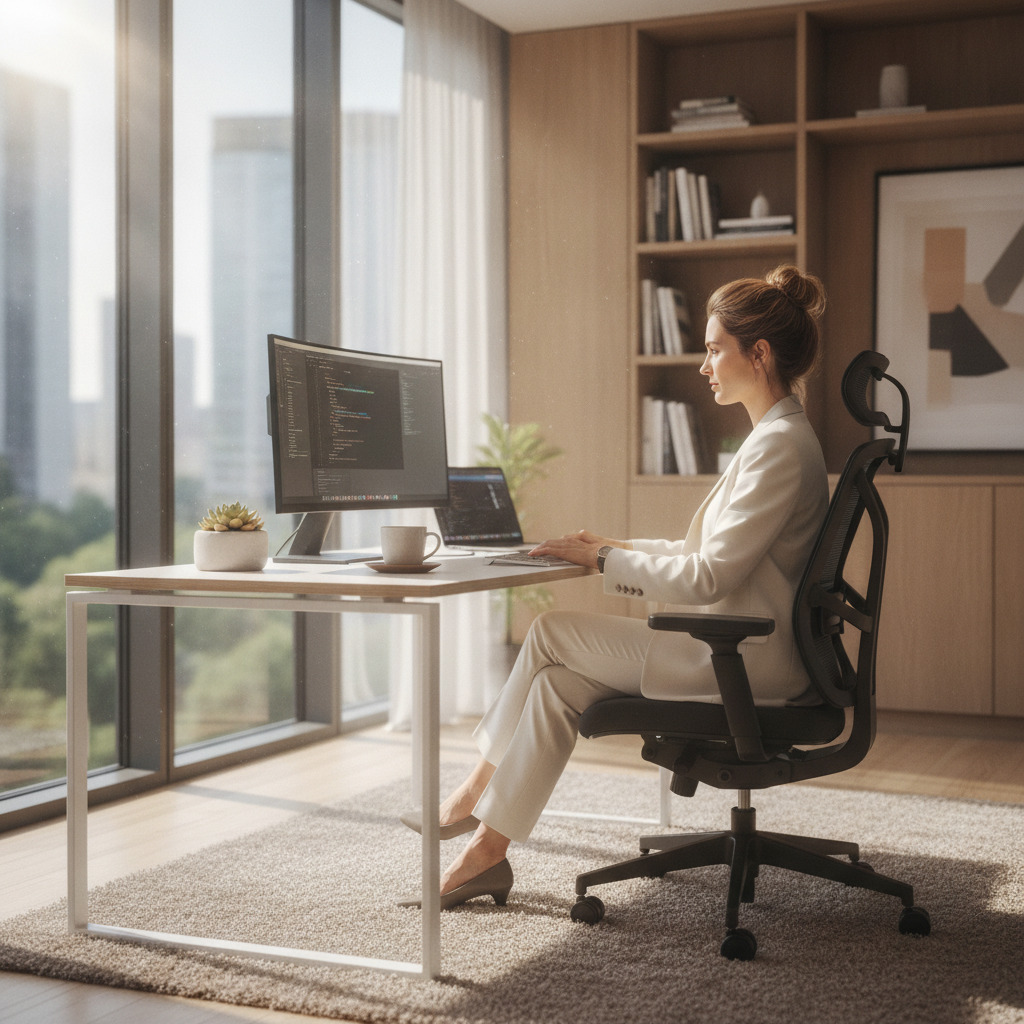
Why Your Home Office Setup Matters More Than You Think
The shift to remote and hybrid working has fundamentally changed how we think about the spaces we work in. A kitchen table and a spare dining chair might get you through a morning of emails, but for the millions of people now spending full working days at home, the quality of your office furniture directly impacts your productivity, your health, and frankly, your mood. Getting it right is one of the best investments you can make.
In this guide we walk through every key element of a productive home office setup — from the desk you work at to the storage that keeps things organised — so you can build a space that genuinely works for you.
Start With the Right Desk
Your desk is the foundation of everything. Before buying, think about three things: size, shape, and functionality.
Size matters more than most people realise. A desk that's too small forces you to pile things up, constantly shuffle items around, and cramp your posture. As a general rule, aim for at least 1400mm wide if you use a monitor alongside a laptop. If you run dual screens or need drawing space, push to 1600mm or 1800mm.
Shape depends on your room. A straight desk suits most spaces and is the most versatile. An L-shaped or corner desk is brilliant if you have the room — it gives you a natural split between your primary work surface and a secondary space for reference materials, a printer, or creative work.
Functionality is where height adjustable desks shine. The ability to sit and stand throughout the day is no longer a luxury — it's widely recommended by occupational health professionals. Alternating between sitting and standing reduces the physical strain of desk work, keeps energy levels steadier, and has been linked to better focus and fewer afternoon slumps. If you're investing in a home office, a height adjustable desk is one of the smartest upgrades you can make.
Choose a Chair That Supports You Properly
A good office chair is non-negotiable. You will spend thousands of hours in it — the cost per use of a quality ergonomic chair is genuinely tiny compared to the discomfort, lost focus, and potential long-term back problems that come from sitting in something inadequate.
Look for these features as a minimum:
- Lumbar support — either adjustable or well-contoured to support the natural curve of your lower back
- Seat height adjustment — your feet should sit flat on the floor with your knees at roughly 90 degrees
- Adjustable armrests — arms should rest comfortably without your shoulders hunching up or dropping down
- Seat depth — there should be a small gap between the front edge of the seat and the back of your knees
- Breathable materials — mesh backs in particular help with temperature regulation over long periods
If you share your desk with another person or swap between sitting and standing, make sure the chair adjusts across a wide enough range to suit everyone who uses it.
Lighting: The Overlooked Productivity Factor
Poor lighting causes eye strain, headaches, and fatigue — all of which tank your focus. Natural light is best, so position your desk to face or sit beside a window rather than with a window directly behind your screen (which creates glare). If natural light is limited, invest in a good quality desk lamp with adjustable colour temperature. Warmer light in the morning helps you ease in; cooler, brighter light during focused work periods keeps you alert.
Storage: Keep the Clutter Out of Your Head
A cluttered workspace creates a cluttered mind. Good storage doesn't mean filing everything away and never finding it again — it means having a logical, accessible system that keeps your desk clear without making retrieval a chore.
For most home offices, a combination of the following works well:
- A pedestal or under-desk drawer unit for daily-use items you need close to hand
- A filing cabinet for documents, contracts, and reference material you need occasionally
- Open shelving or a bookcase for reference books, equipment, and items you want visible and accessible
- Cable management to keep leads tidy and off the floor — this makes a bigger visual difference than most people expect
Getting the Ergonomics Right
Even the best furniture won't help if it's set up incorrectly. Run through this quick checklist:
- Monitor top should be at or just below eye level — use a monitor arm or riser if needed
- Screen should be roughly an arm's length away from your face
- Keyboard and mouse should allow your elbows to sit at 90 degrees with your wrists straight
- Your back should be supported with your hips slightly higher than your knees
- Take a short break every 45-60 minutes — stand up, move around, look away from the screen
Making It a Space You Actually Want to Work In
Productivity isn't just about physical comfort — your environment affects your motivation too. A space that feels professional and well put-together puts you in the right mindset for work. That doesn't mean spending a fortune on décor. Clean lines, consistent finishes on your furniture, and a tidy desk surface go a long way.
Think about colour too. Neutral tones like white, grey oak, and walnut finishes are popular for good reason — they're calm, they photograph well for video calls, and they don't date quickly. If you want something with more personality, use accessories rather than changing the furniture itself.
Ready to Build Your Home Office?
The good news is you don't need to do everything at once. Start with the two highest-impact items — a proper desk and a good chair — and build from there. Whether you're setting up a dedicated home office room, carving out a corner of a bedroom, or fitting out a garden office, the right furniture makes the whole thing work.
Browse our full range of office desks, ergonomic chairs, storage solutions, and accessories to find everything you need in one place.